AI Product Image Generator for Ecommerce

AI Product Image Generator for Studio-Quality Photos

Upload one phone photo and create clean, professional ecommerce images for your store, marketplace listings, and ads. Generate white-background, studio, and lifestyle product photos—no photographer or editing skills required.

No credit card required 5 free image generations Commercial use included Works for Shopify, Amazon, Etsy, eBay

Your photos stay in your dashboard. We never sell your data, and you can delete uploads anytime.

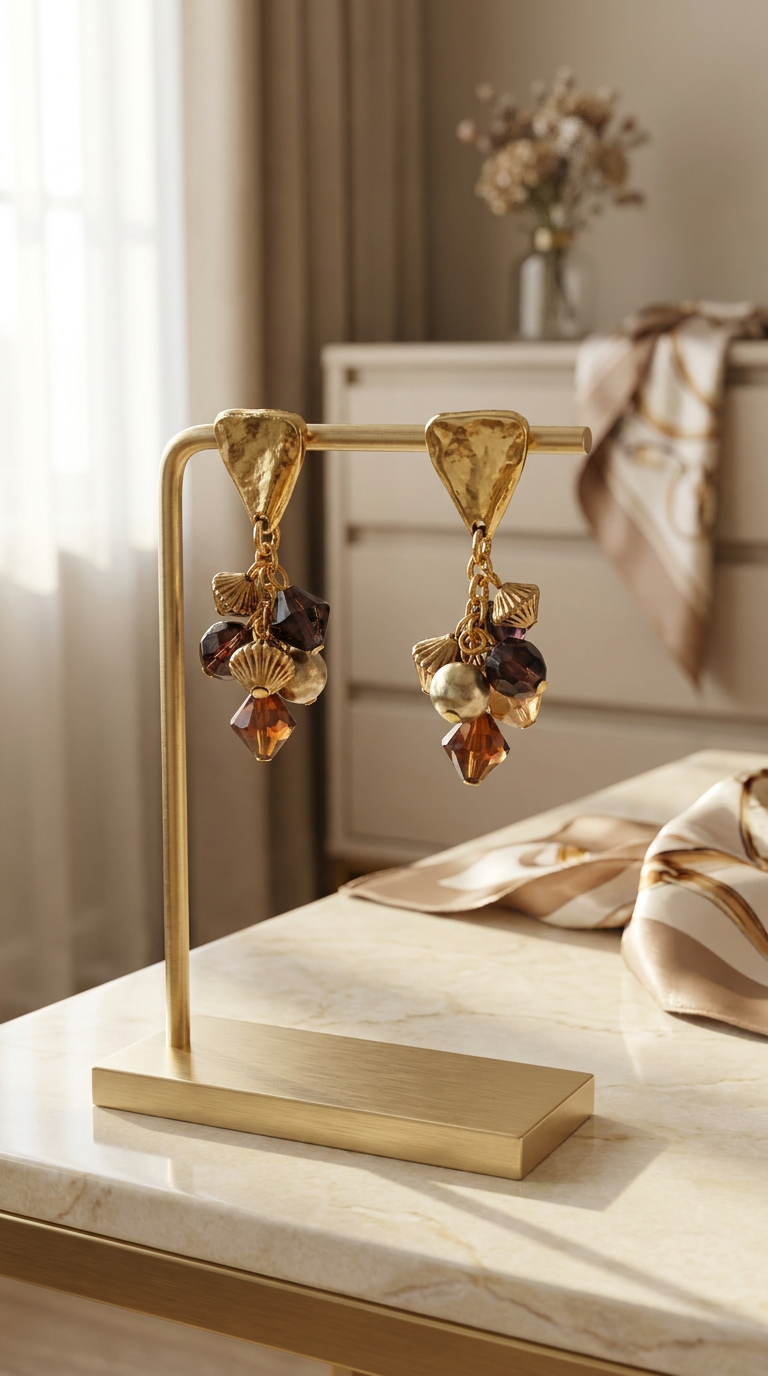
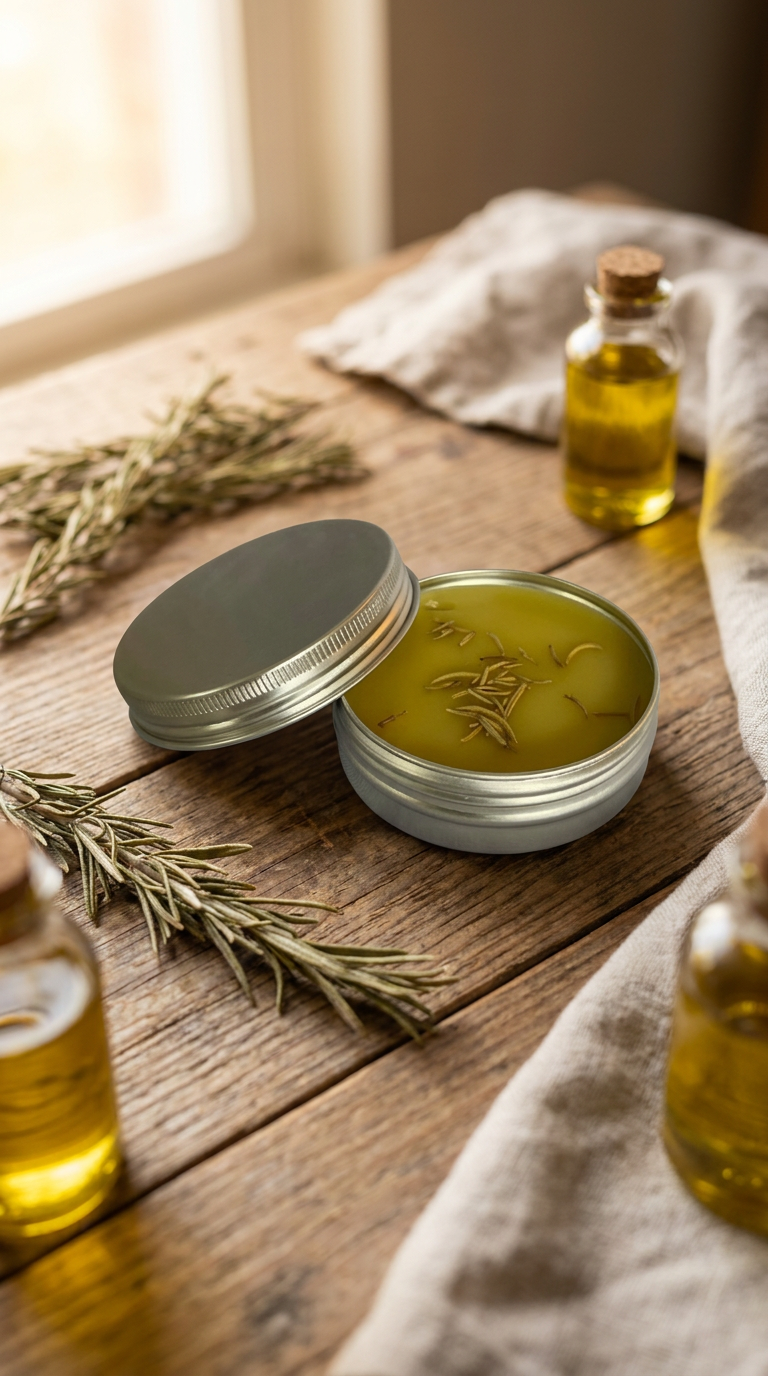
Ecommerce product image transformation after
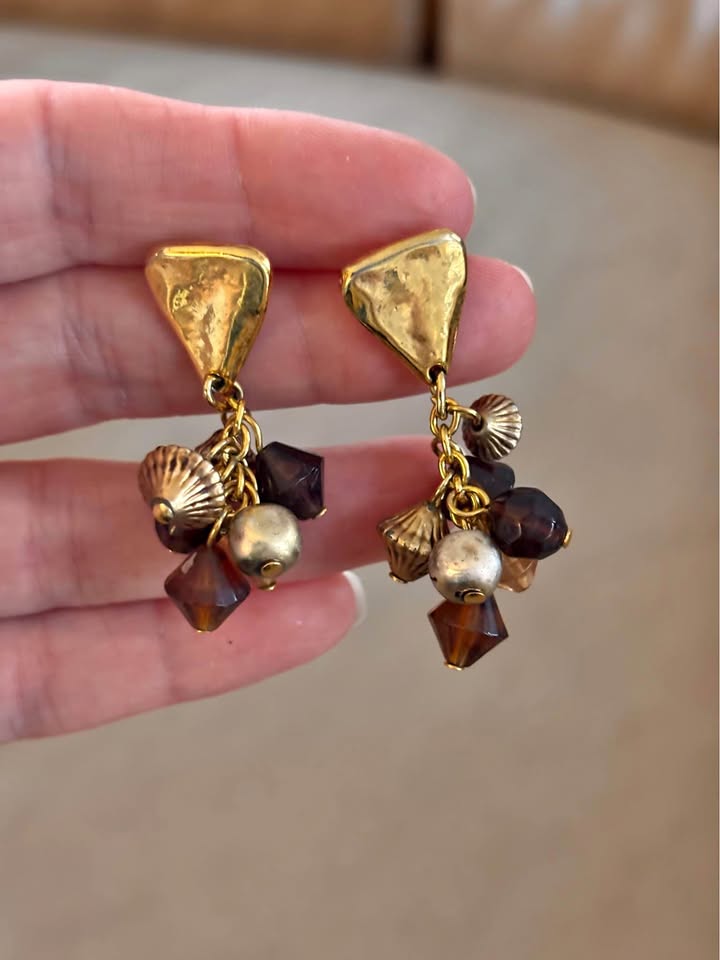
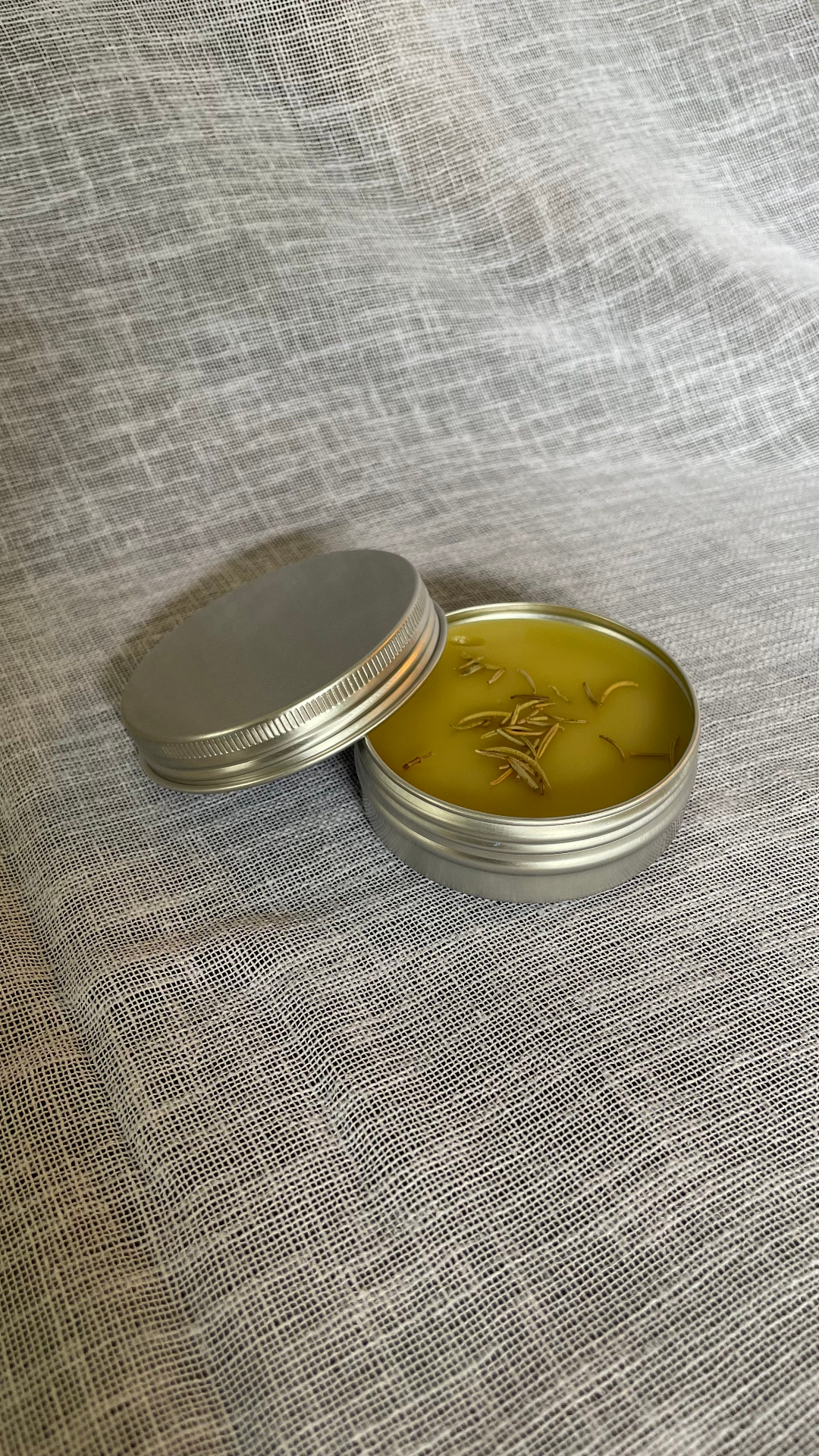
Ecommerce product image transformation before
BeforeAfter

Phone photo → Studio-quality product image

Start with your photo

Try the AI Product Image Generator

Upload and configure your image here. Your photo is prepared locally in your browser before you continue to the secure generator.

1. Upload your product photo

JPEG, PNG, WebP, HEIC, or HEIF · up to 20MB

Drop a product photo here or tap to upload

A clear phone photo works.

Choose photo
Local browser preparation No AI request on upload

2. Choose where you will use it

3. Pick a style

4. Choose a size

0/500

No credit card required. Your photo and settings are restored after signup.

Create Professional Product Photos Without a Photoshoot

ProductMagicAI improves the background, lighting, and presentation while Identity-Lock AI helps keep your product’s shape, colors, labels, packaging, and key details recognizable.

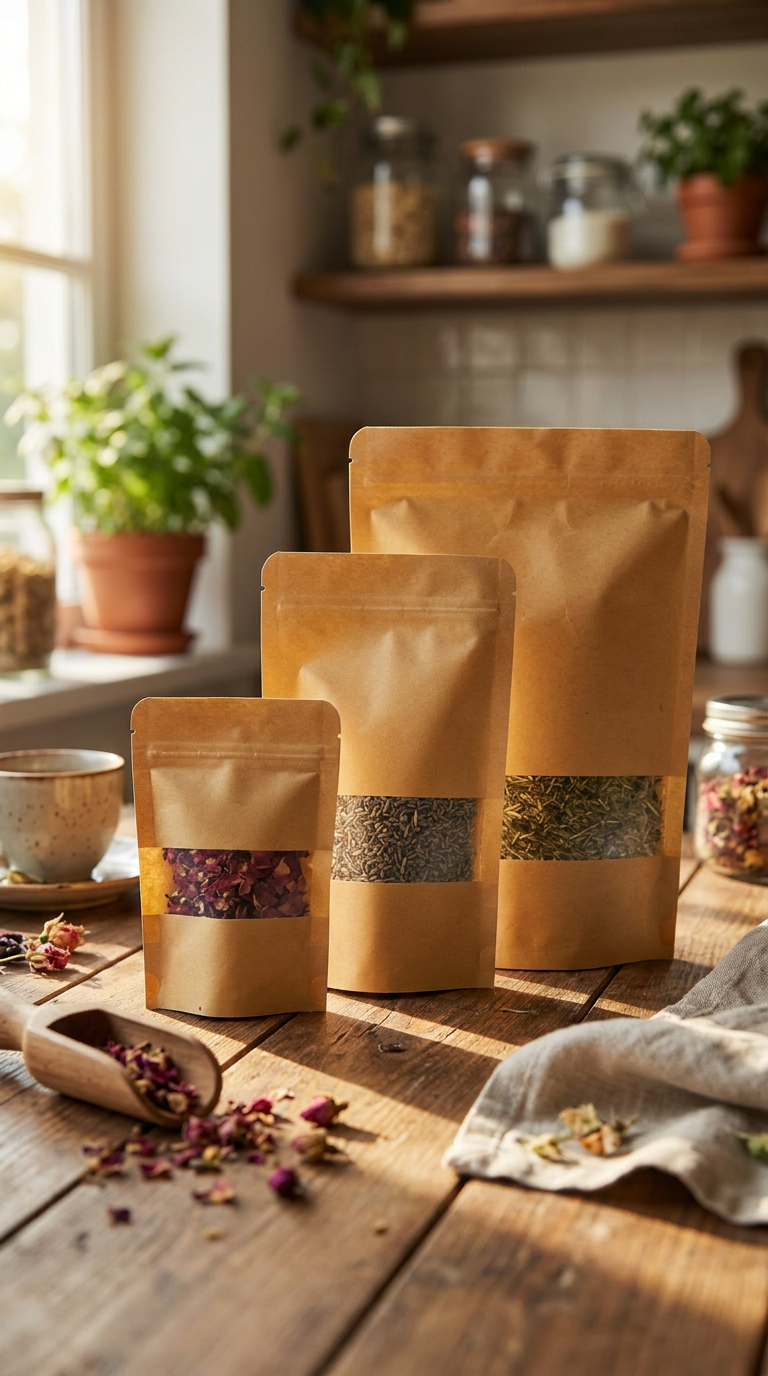
Product background transformation after
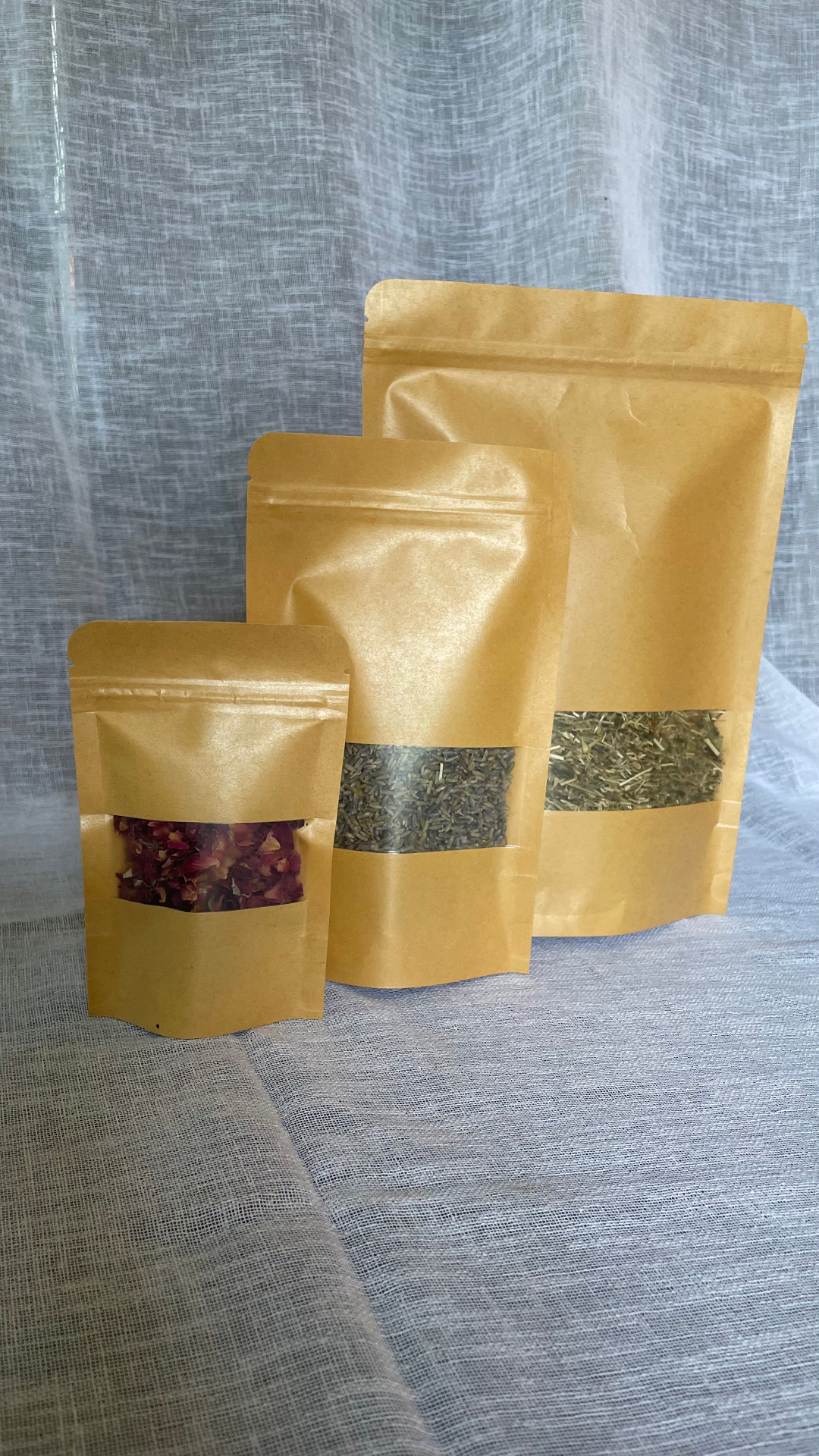
Product background transformation before
BeforeAfter
Phone photoProductMagicAI
Shoes product image transformation after
Shoes product image transformation before
BeforeAfter
Phone photoProductMagicAI
Mug product image transformation after
Mug product image transformation before
BeforeAfter
Phone photoProductMagicAI

An AI Product Photo Studio Built for Ecommerce

ProductMagicAI is an AI product photo studio built for ecommerce sellers. Upload a basic product photo, choose a white-background, studio, or lifestyle style, and generate polished images for Shopify, Amazon, Etsy, eBay, and social media. Identity-Lock AI helps keep your product’s shape, colors, labels, packaging, and key details recognizable while improving the background, lighting, and presentation.

How the AI Product Image Generator Works

1. Upload your product photo

One phone photo is enough.

2. Pick a style

Clean white, lifestyle, or studio.

3. Download your image

Ready to sell across every channel.

Create Product Images for Stores, Marketplaces, and Ads

Product listings that convert

Crisp, on-brand photos that turn browsers into buyers.

Amazon-ready white backgrounds

Marketplace-safe shots that meet listing guidelines.

Scroll-stopping ad creative

Visuals built to win attention in paid social feeds.

Social posts that match your brand

Consistent imagery for Instagram, TikTok, and more.

Practical product image guide

How to Get Better Results From an AI Product Image Generator

An AI product image generator works best when the source photo clearly shows the real item and the intended output has a defined purpose. A clean marketplace image, a polished studio photo, and a lifestyle ad each solve a different problem. Choosing the right goal before generation helps produce a more useful result than applying the same visual treatment to every product.

ProductMagicAI starts with an existing product photo rather than a text-only concept. The workflow is designed to improve presentation while helping keep visible product details recognizable. Because AI-generated images can still contain inaccuracies, the final image should always be reviewed against the real product before it is published.

Choose the Right Product Photo Style

Match the visual style to the job the image needs to perform.

White-background product images

Best for

Catalogs, marketplaces, product grids, and clean primary images

Use a neutral white presentation when the buyer needs to inspect the product quickly without visual distractions. Review the product edges, packaging text, and any transparent or reflective areas before publishing.

Studio product photos

Best for

Product pages, collections, launch pages, and branded catalogs

Use a controlled studio look when you want more depth and polish than a plain background while keeping the product as the clear focal point.

Lifestyle product photos

Best for

Social ads, landing pages, email campaigns, and contextual storytelling

Use a lifestyle scene when context helps the buyer understand scale, use, mood, or audience. The product should remain clearly visible and easy to recognize.

Prepare a Strong Source Photo

The generated result can only work from the product information visible in the source image. A stronger input gives the system more reliable product details to preserve.

  • Use one clearly visible product as the main subject.
  • Keep the complete product inside the frame without cropped edges.
  • Use a sharp, well-lit source photo with visible colors and packaging details.
  • Photograph the angle you want the generated image to preserve.
  • Keep labels, logos, and important product features unobstructed.
  • Use the optional creative direction field for details the photo cannot communicate.

Inputs That Need Extra Review

These conditions do not automatically make a photo unusable, but they increase the chance that important product details will need closer inspection or another attempt.

  • Heavy blur, strong compression, or a very small source image
  • Multiple products overlapping each other
  • Hands, props, or packaging covering important product details
  • Tiny text, metallic reflections, glass, or transparent materials that require close review
  • A source photo whose color or proportions do not match the real product

Current workflow

What You Can Configure Before Generation

Start the product-photo workflow on this page, prepare the draft without using a generation credit, and continue in your dashboard when you are ready to generate.

Start with a product photo
Starting point
One product photo
Image goals
Ecommerce store, marketplace, or social and ads
Presentation styles
White background, studio, or lifestyle
Available aspect ratios
1:1, 4:5, and 9:16
Creative control
Optional written direction before generation
Guest workflow
Your prepared draft is saved locally, then restored in your dashboard after signup
Generation control
Generation begins only after you review the restored draft and confirm Generate

What Identity-Lock AI Is Designed to Preserve

Identity-Lock AI is designed to guide the image workflow around the visible identity of the uploaded product, including its overall shape, proportions, colors, packaging, labels, and other recognizable details. The goal is to improve the scene and presentation without intentionally redesigning the item.

Read the product fidelity guide for logos, labels, and packaging

Important accuracy note

Identity preservation is an AI-assisted safeguard, not a guarantee that every pixel, reflection, line of text, or small packaging detail will remain exact. Compare the generated image with the original product and regenerate or use another source photo when a commercially important detail changes.

AI Product Image Generator vs. Other Product-Photo Options

The right workflow depends on whether you need simple cleanup, a new presentation of a real item, a concept image, or a fully controlled physical shoot.

Background remover

Best when

The original photo is already strong and only the background needs cleanup.

Main tradeoff

It does not create a new studio or lifestyle presentation by itself.

Generic text-to-image tool

Best when

You are exploring visual concepts that do not need to match a real product exactly.

Main tradeoff

Product shape, packaging, labels, or colors may drift from the real item.

Traditional product photoshoot

Best when

You need full physical control over lighting, props, camera angles, and production.

Main tradeoff

It usually requires more scheduling, equipment, coordination, and repeated shoots.

ProductMagicAI

Best when

You have a real product photo and need additional ecommerce-ready presentation styles.

Main tradeoff

AI output still needs a final accuracy and platform-policy review before publishing.

Product Categories This Workflow Can Support

Results depend on the source image and the product's visual complexity. The workflow can be used across many physical-product categories rather than one marketplace or industry alone.

  • Beauty and cosmetics
  • Jewelry and accessories
  • Food, bakery, and packaged goods
  • Apparel and fashion products
  • Electronics and device accessories
  • Home, kitchen, and decor
  • Handmade products
  • Wholesale and private-label products

Review Every Image Before Publishing

Product accuracy and platform compliance remain the responsibility of the seller or brand. Use this checklist before an image goes live.

  • Confirm that the product shape and proportions match the real item.
  • Zoom in on labels, logos, ingredients, model numbers, and small printed text.
  • Check color accuracy on the product, packaging, and important materials.
  • Review shadows, reflections, transparent areas, and product edges.
  • Confirm that the final aspect ratio fits the intended placement.
  • Check the destination platform's current image and advertising requirements.

AI Product Image Generator FAQs

Does it change my actual product?

No. Your product stays true to the original. ProductMagicAI improves the background, lighting, and presentation. Identity-Lock AI helps keep your product shape, label, and key details recognizable.

Is it free to try?

Yes. Start with 5 free image generations. No credit card required.

Can I use the images in my store and ads?

Yes. You can use your generated images for ecommerce listings, ads, and social content.

Do I need design skills?

No. Upload a photo, choose a style, and generate.

Can I create product photos from a phone picture?

Yes. Upload a clear phone photo of your product, choose a style, and ProductMagicAI will generate a polished product image with improved background, lighting, and presentation.

What types of product images can I create?

You can create clean white-background images, studio-style product photos, and lifestyle visuals for ecommerce listings, stores, ads, and social media.

Create Your First Studio-Quality Product Image

Upload one product photo and create a clean, professional ecommerce image in seconds.

No credit card required·Your upload is restored after signup·Commercial-use ready